

Digital engineering for construction
We're the digital engineering team behind your construction company.
We bring together and connect, in one system, the technology each project needs — data, software, automation, AI, and BIM — so your company operates and decides better.
ColombiaUnited StatesBahamasMexicoChileDominican Republic
Since 2018 Live data BIM Custom software Automation & AI USA · Colombia · Latin America
Clients
Trusted by construction, real estate, and development teams since 2018.
Horizun Group connects data, software, automation, AI, and BIM into one system for construction and real estate clients.
2018 Operating since
EN · ES Bilingual delivery
Americas Markets served





















How we work
From your models and data to project decisions
First we organize your project information; then we turn it into dashboards, automation, and decisions your team uses every day.
-
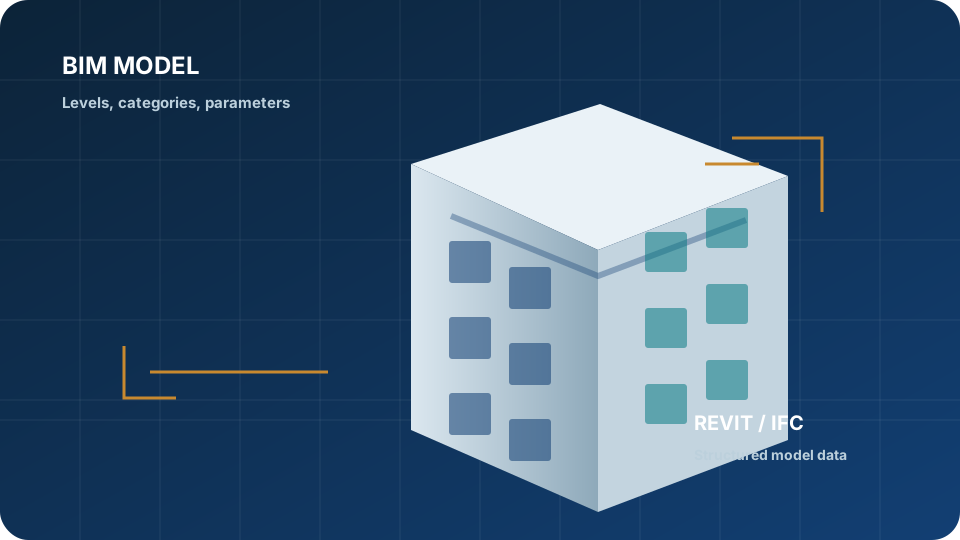 01 Your models
 -
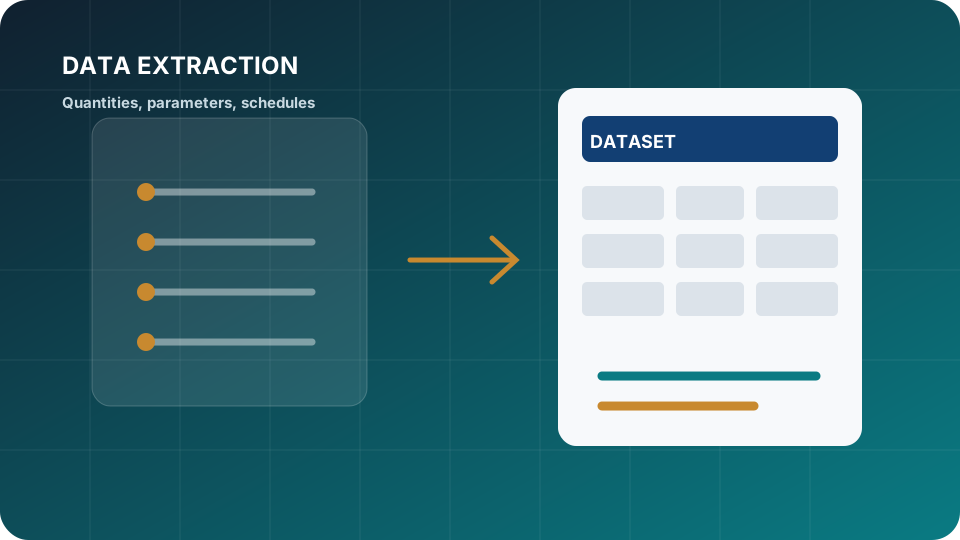 02 Your data
 -
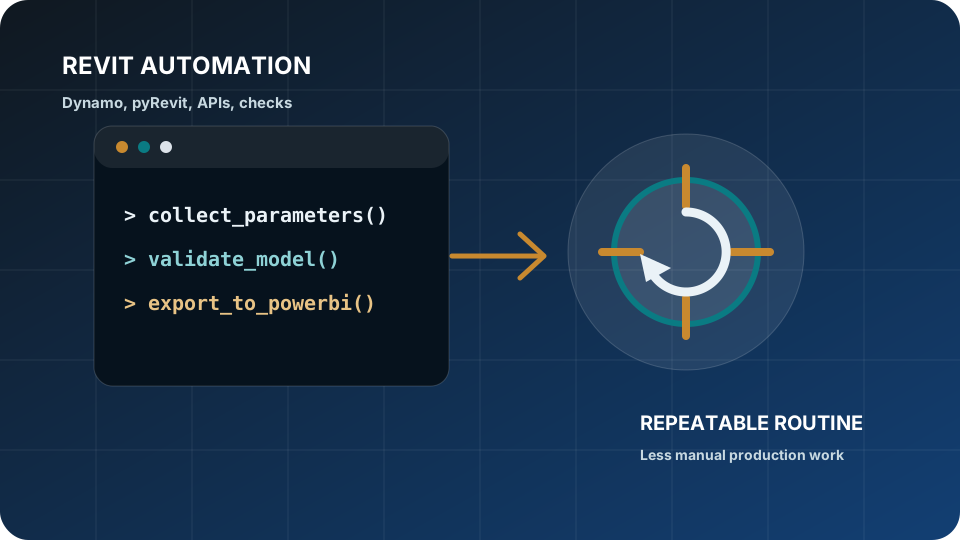 03 Automation
 -
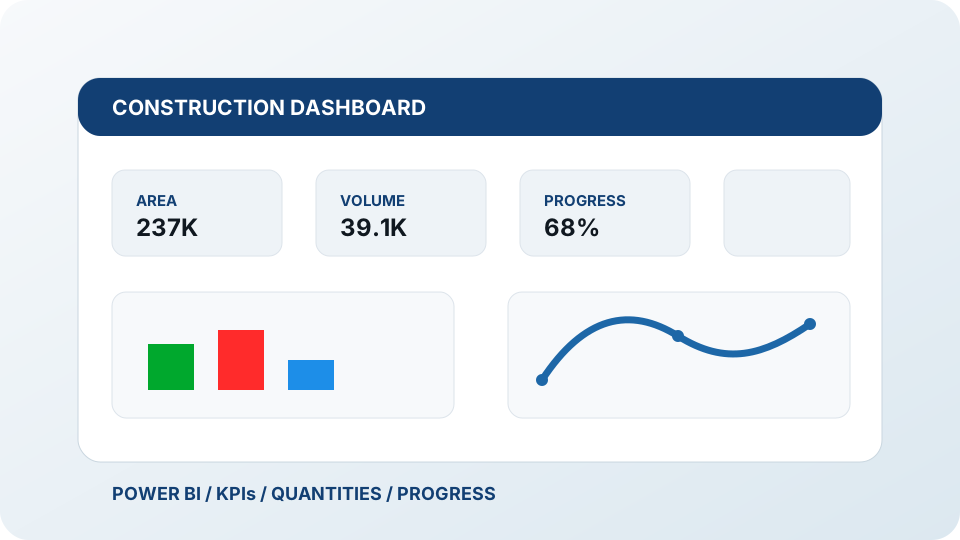 04 Live dashboards
 -
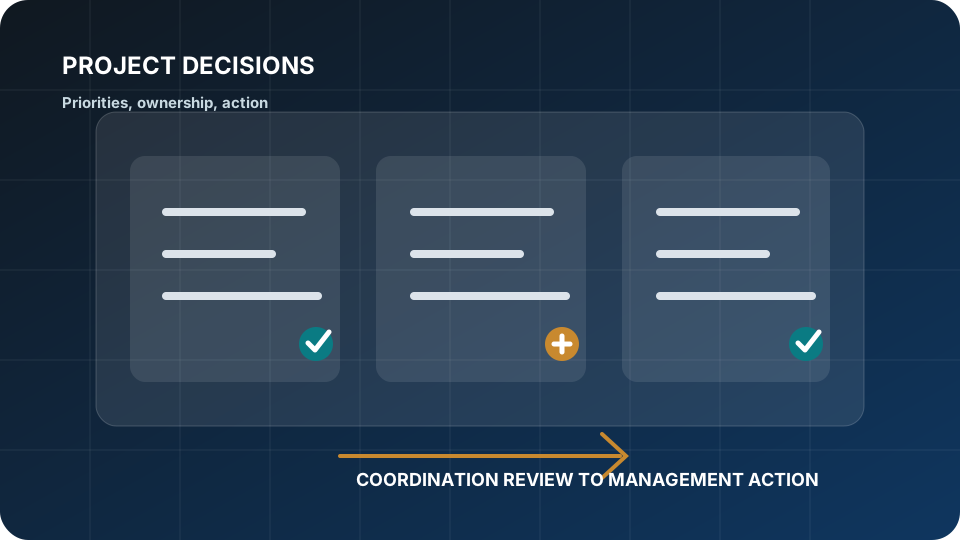 05 Project decisions
Visual proof
Dashboards and technical workflows clients can actually use.
Horizun work is strongest when scattered project information — schedules, quantities, issues, field data, and model data — becomes one connected system of live dashboards and repeatable routines.
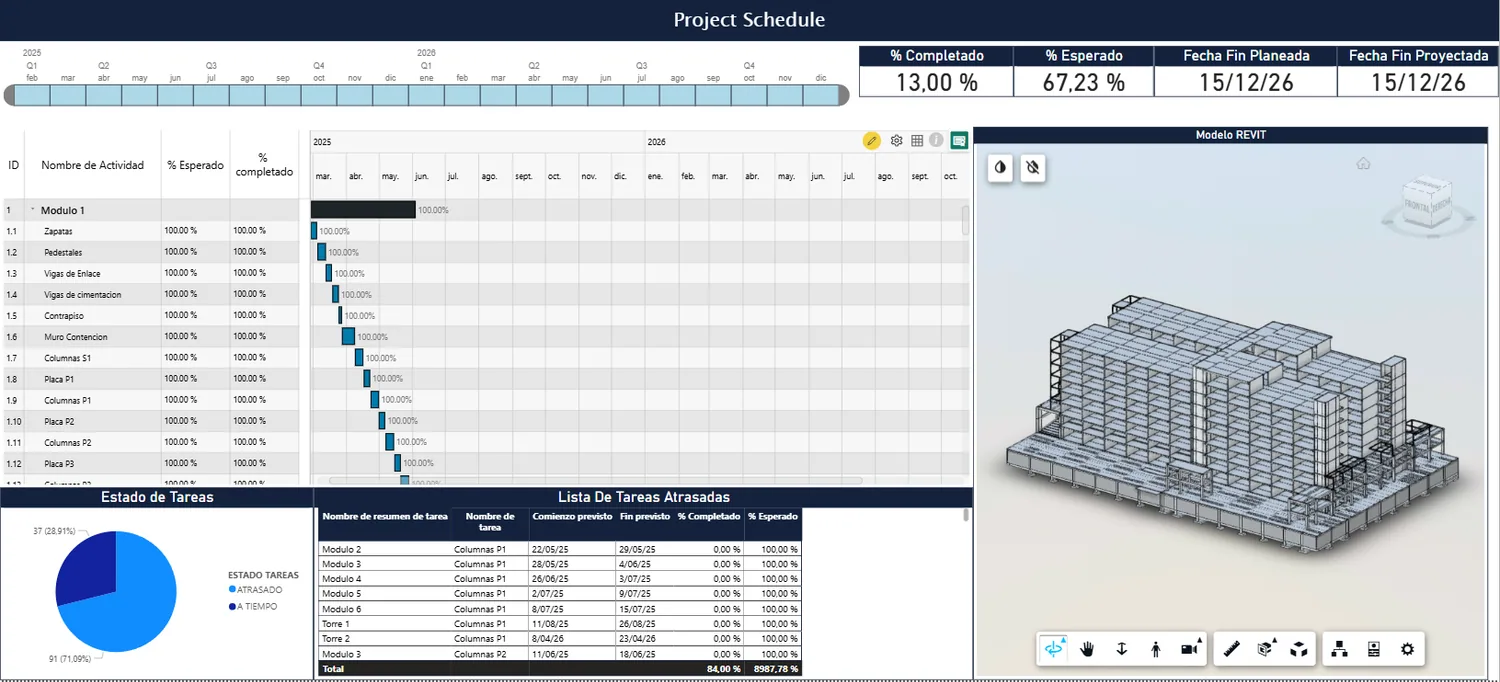
Construction Progress Dashboard
Progress, quantities, and schedule status are usually reviewed in separate files.
ScheduleQuantitiesPower BIPower Query
Explore dashboard services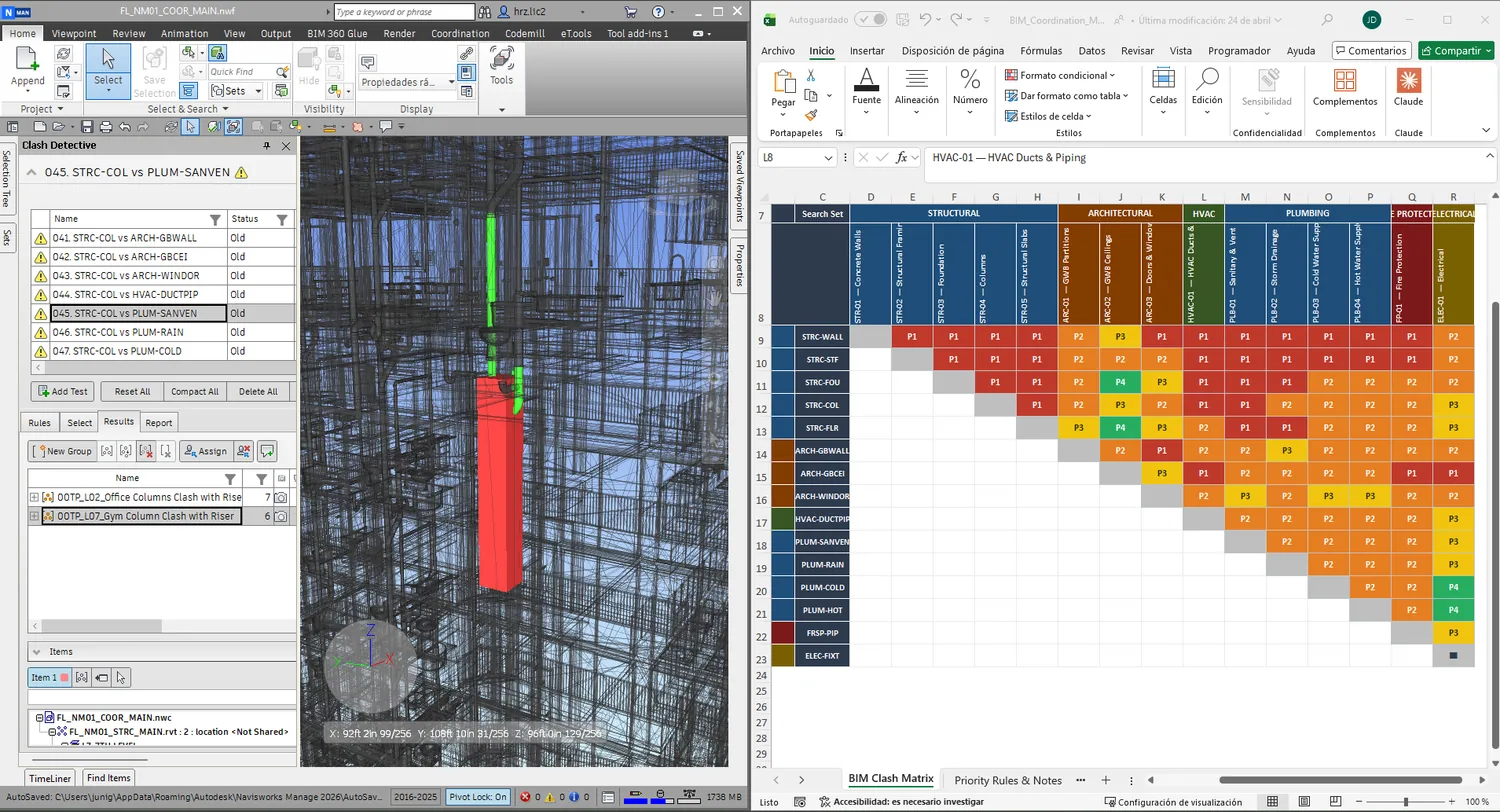
BIM Coordination Issues Dashboard
Clash reports become long lists unless issue status, ownership, and priority are visible.
Federated modelsClash exportsNavisworksACC / BIM 360
Review coordination workflows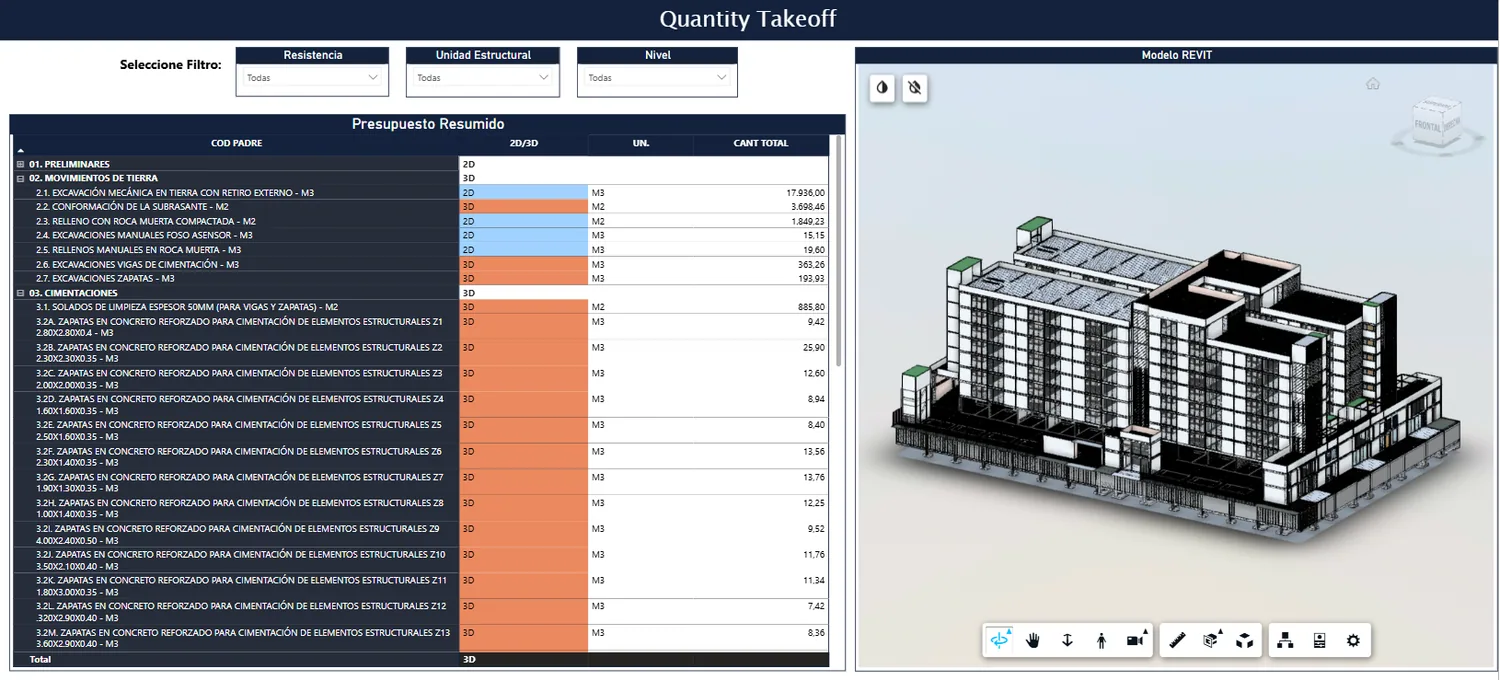
Cost and Quantity Tracking Dashboard
Cost, quantities, and model information need a shared reporting structure.
Revit parametersQuantity takeoffsRevitPower BI
View project controls DATA Power BI, project controls, cost and schedule visibility
SOFT Custom apps, ERPs, CRMs, and integrations
AUTO Revit, Dynamo, pyRevit, repeatable production workflows
BIM Management, coordination, modeling, quality control
What we help you solve
The construction headaches we take off your plate.
We focus on what slows you down: cost and progress control, reliable reporting, and less rework.
- 01
You're never quite sure if the project is on time and on budget
Cost, progress, and schedule live in separate files that don't add up.
- 02
Errors show up on site, when they're expensive to fix
Clashes between disciplines and constructability issues are caught late, not on screen.
- 03
Building the reports eats hours every week
Your team loses time rebuilding reports by hand in Excel.
- 04
Your skilled people spend time on repetitive work
A lot of manual modeling and documentation can be automated.
- 05
You bought software, but nothing really changed
Tools only pay off when they connect to real project decisions.
- 06
Knowledge walks out the door with your people
Without clear routines, progress doesn't hold when a key person leaves.
Before / after
From manual reporting to connected project intelligence.
Before
- Manual Excel reports
- Isolated BIM models
- Disconnected schedules
- Static PDF updates
After
- Integrated BIM data
- Automated dashboards
- Connected coordination workflows
- Project visibility for decisions
What we do
Five ways we help your project, connected in one workflow.
Data & Project Control
Cost, progress, and schedule in live dashboards
We connect your project data in Power BI — our Power BIM method — so you know if you're on time and on budget.
BIM Modeling & Coordination
BIM modeling and coordination, when your project needs it
Modeling, coordination, and clash detection against clear standards (BEP), integrated with your data, reporting, and workflows.
Automation & AI
Less manual work, more speed
We automate repetitive processes with scripts, tools, and applied artificial intelligence.
Custom Software
The tools your company can't buy off the shelf
We build apps, ERPs, CRMs, and integrations on top of your data and models, tailored to how your team works.
Training & Enablement
Your team running it in-house
Hands-on enablement on BIM, data, software, and automation so the results stick.
Why Horizun is different Us
Real software, built by people who understand construction.
A software shop
Can code, but doesn't understand how a construction company or a real project actually works.
An AEC consultant
Knows construction, but can't build the software, data, and AI you need.
Horizun
Connects it all: BIM, data, software, and AI as one digital engineering — by a team that lives construction.
Leadership and team
Digital-engineering direction, supported by a bilingual delivery team.
Horizun combines Pablo Alejandro Zúñiga Guevara's technical direction with a bilingual technical team supporting BIM, dashboards, automation, visualization, and project-control workflows.
Selected work
Connected technology, delivered on real construction projects.
A compact view of how Horizun brings data, software, automation, AI, and BIM together into one system for each client.
View experience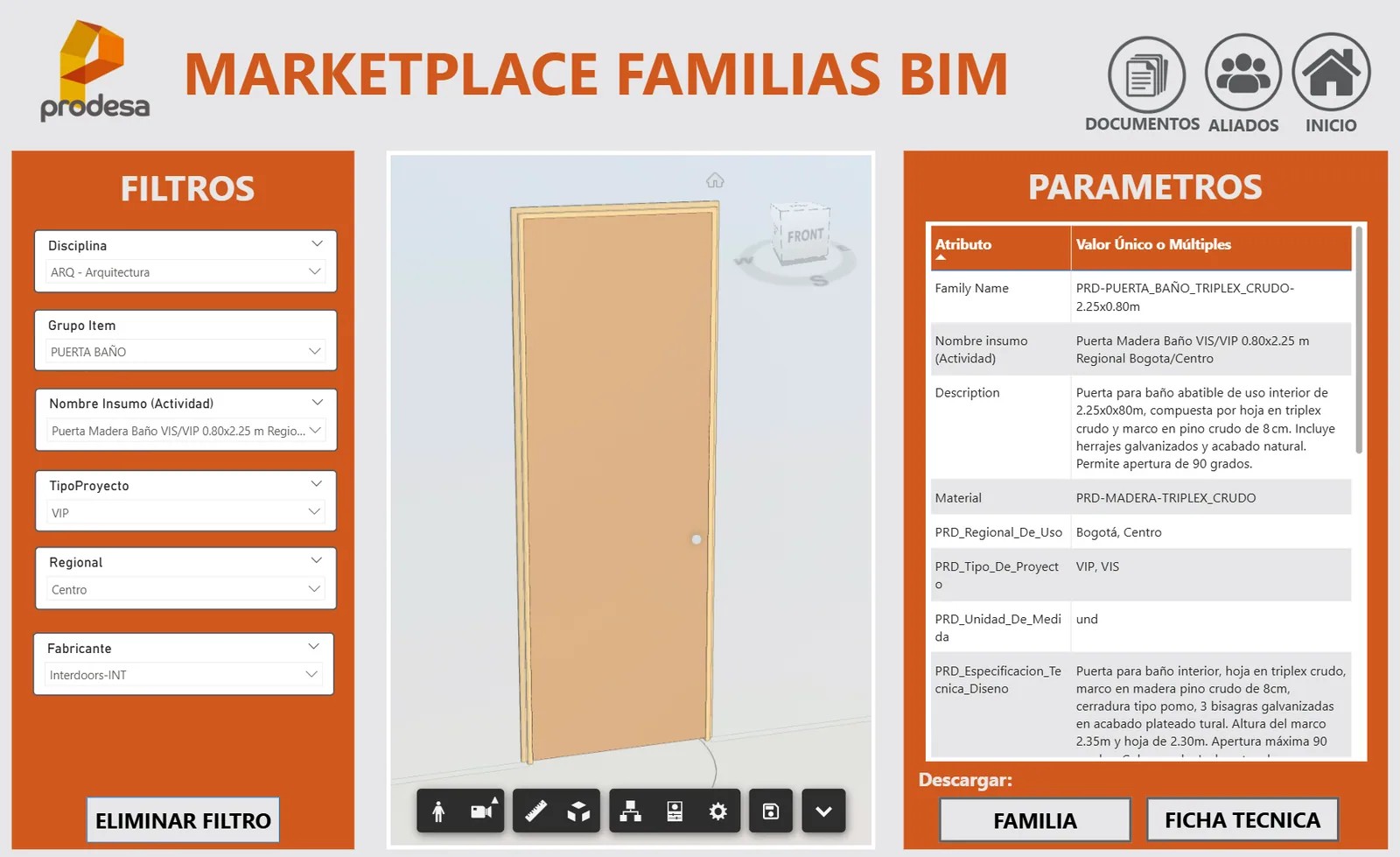
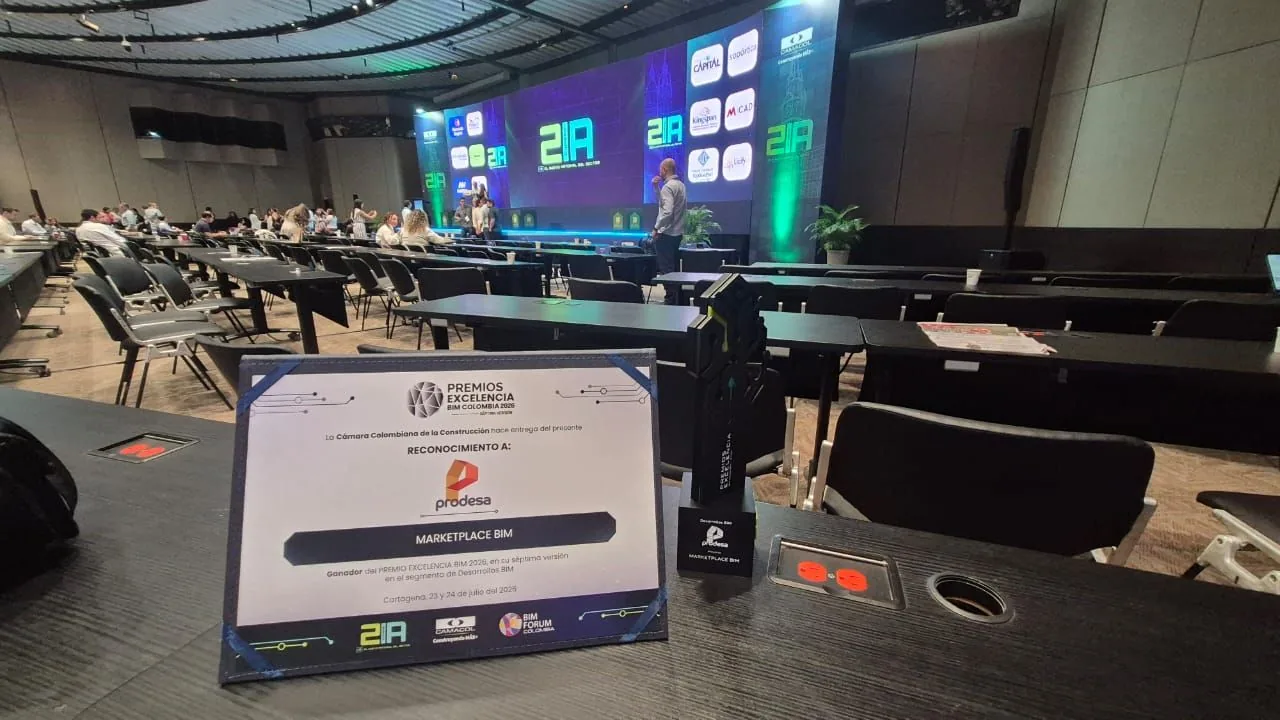
Prodesa BIM Marketplace: corporate BIM ecosystem
A centralized BIM marketplace connecting Revit families, technical parameters, procurement codes, QA tools, and Power BI access for project teams.
- BIM Governance
- Power BI
- Revit Automation
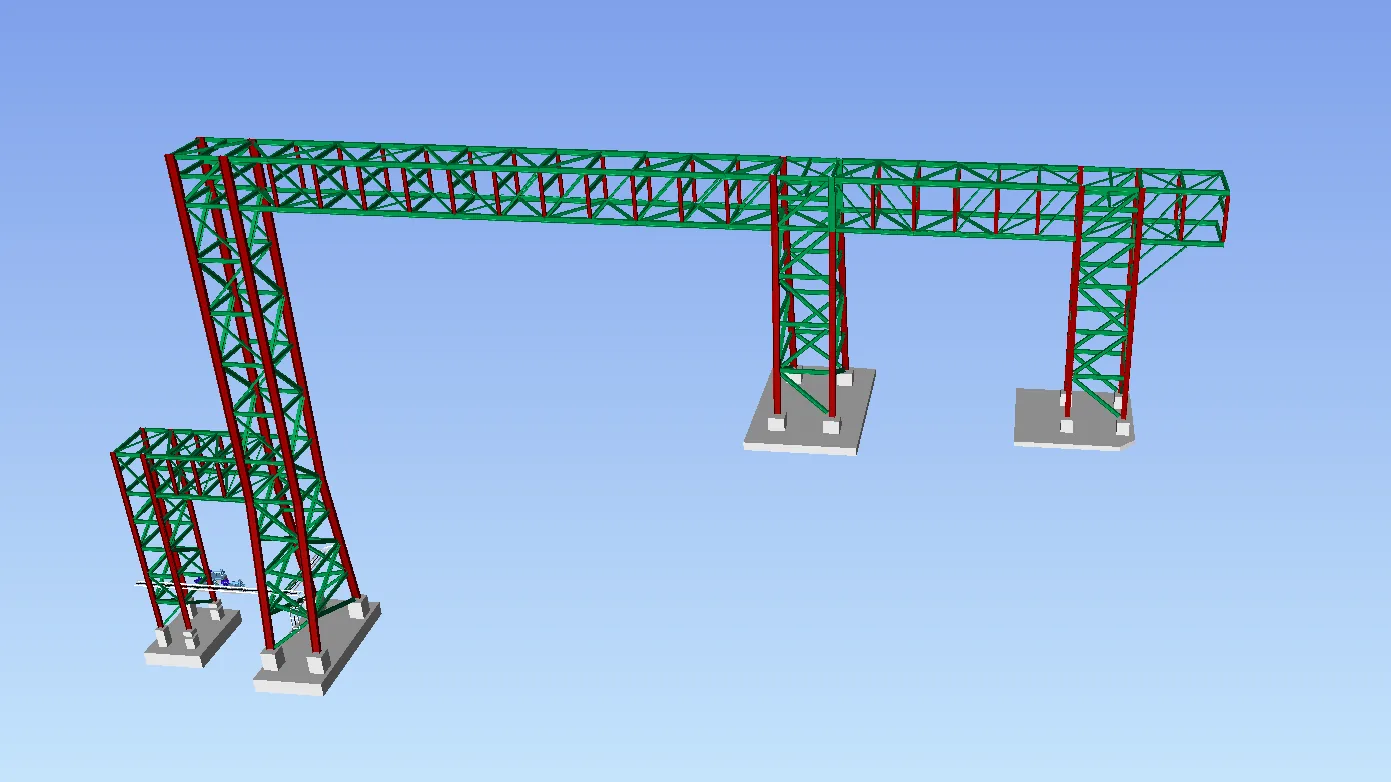
Industrial Pipe Rack: from PDF drawings to BIM quantities
BIM modeling of steel structure, concrete, and reinforcement to produce quantities, bar schedules, and construction-ready technical outputs.
- Revit Modeling
- BIM Quantities
- Rebar Detailing
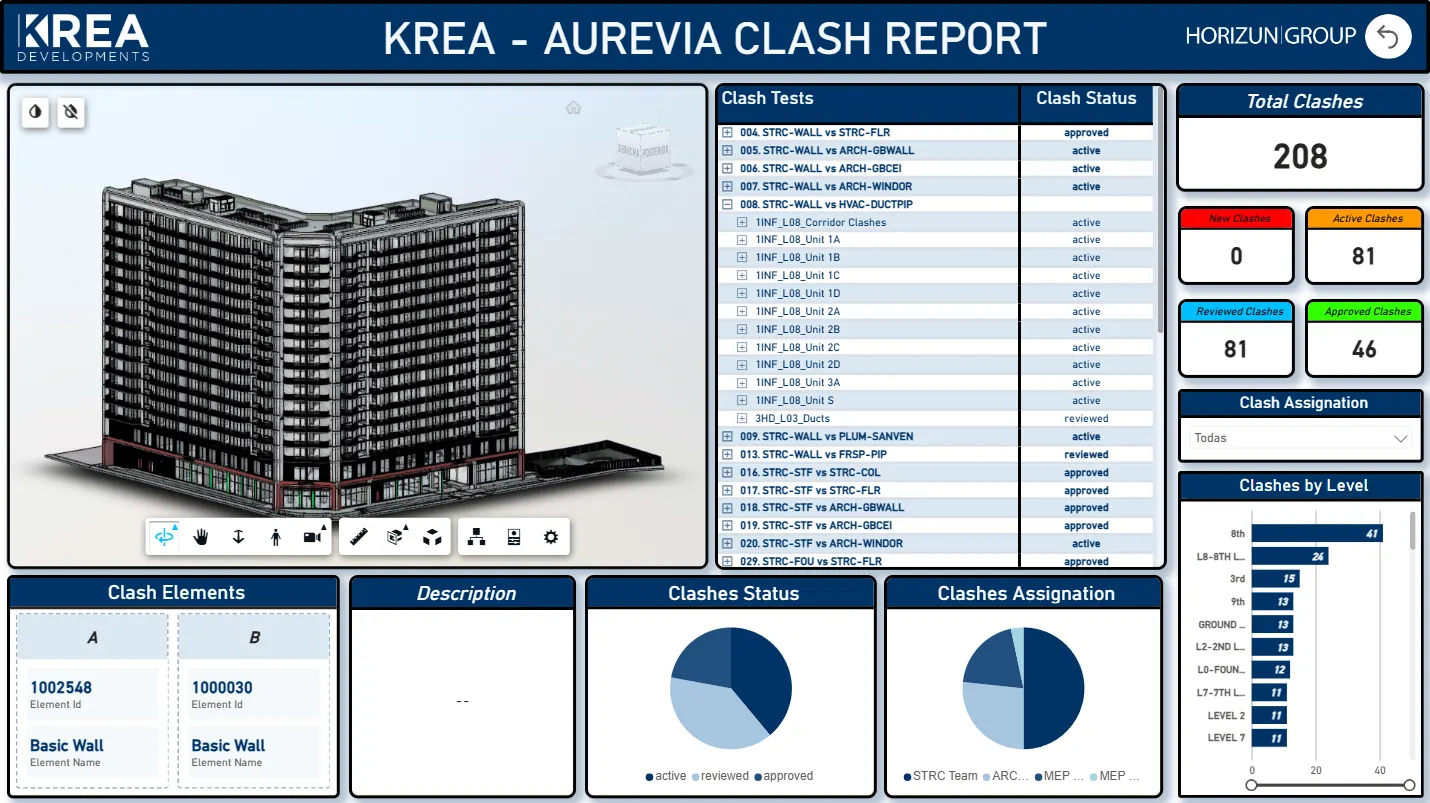
BIM Coordination and Reporting
Model review, clash status, responsibilities, and technical reporting organized for coordination meetings.
- BIM Coordination
- Model Review
- Issue Reporting
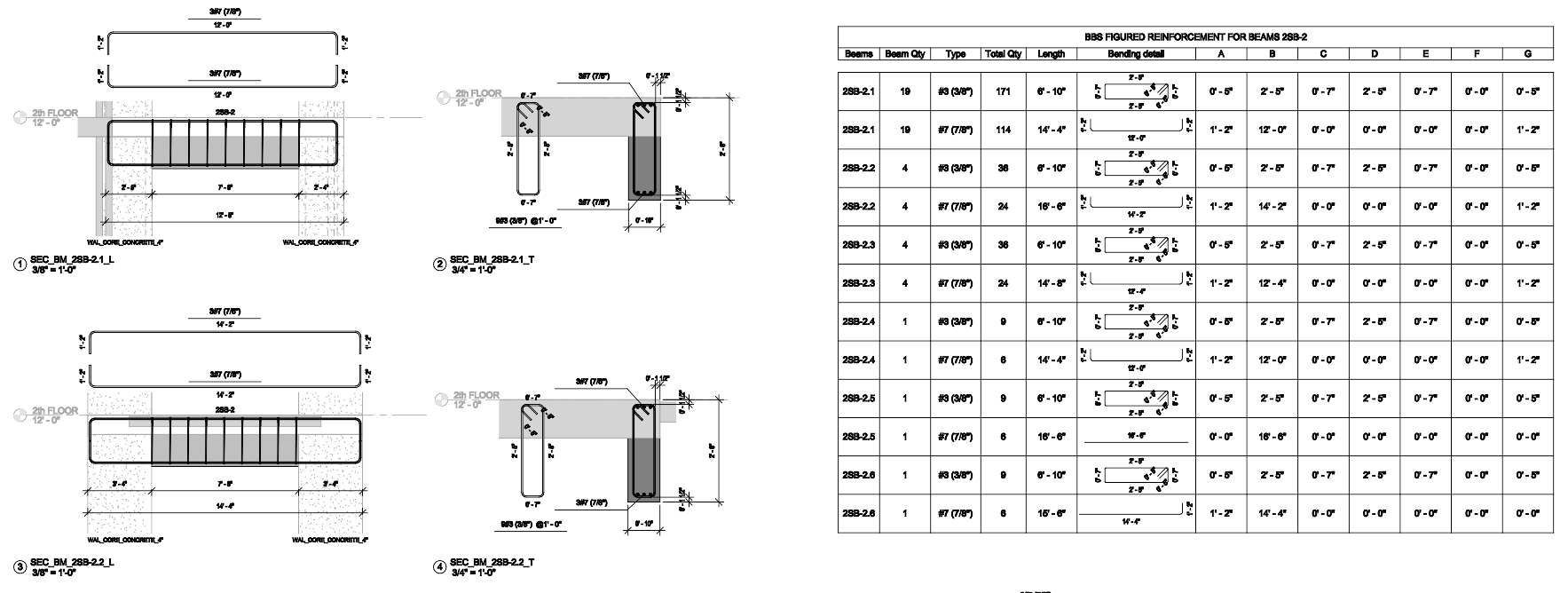
Detailed Structural BIM Modeling
Reinforcement modeling and shop drawing information prepared for review, quantities, and construction documentation.
- Structural BIM
- Revit Modeling
- Shop Drawings
Where we apply it
Technology applied to real construction and infrastructure projects.
We support construction companies, developers, and design teams across buildings, urban works, and infrastructure.
Real estate developers
Investor-ready reporting, design communication, and cost and schedule visibility.
General contractors
Coordination, constructability tracking, production support, and control dashboards.
Architecture and engineering firms
BIM standards, model quality, Revit automation, and documentation support.
Infrastructure teams
Model-based planning, quantities, dashboards, and multidisciplinary coordination.
Owner representatives and PMOs
Visibility across progress, risk, schedule, cost, and portfolio reporting.
Construction technology teams
Practical evaluation of BIM, automation, AI, Power BI, and Autodesk workflows.
Technical stack
Tools used to connect BIM execution with project control.
BIM and coordination
RevitNavisworksACC / BIM 360IFCSpeckle
Data and reporting
Power BIPower QueryDAXExcelSharePoint
Automation
DynamopyRevitRevit APIAPIsData extraction
Adoption
BIM + Power BIBIM Para TodosAI workflowsEnablementDocumentation
New · Horizun Hub by Horizun Group
The BIM, data and AI ecosystem to master every project.
Horizun Group's subscription platform: take your Revit models to Power BI with the same tools we use on real projects since 2018 — our own apps, Academy, videos, AI and community, all in one place.
Launch offerUse the full PowerBIM Exporter for Revit free until September 30, no card required. CopyToExcel and BuildMotion are yours forever, and the $150/year plan includes everything in the Max plan.
Built for: BIM managers, architects, engineers, contractors and developers working across Revit, Civil 3D, Power BI and field data.
- 5 in-house PowerBIM apps
- BIM + AI Academy
- 30 ad-free videos
- AI & Automation
- APS Connect
- Community
- 1:1 advisory with the founder
Start free · Pro $150/yr (launch: includes Max) · no lock-in
Next step
Connect the data, software, automation, AI, and BIM your project needs in one system.
Share your project context, current systems, and the decision you need to support. We will respond with a focused conversation, not a generic sales script.